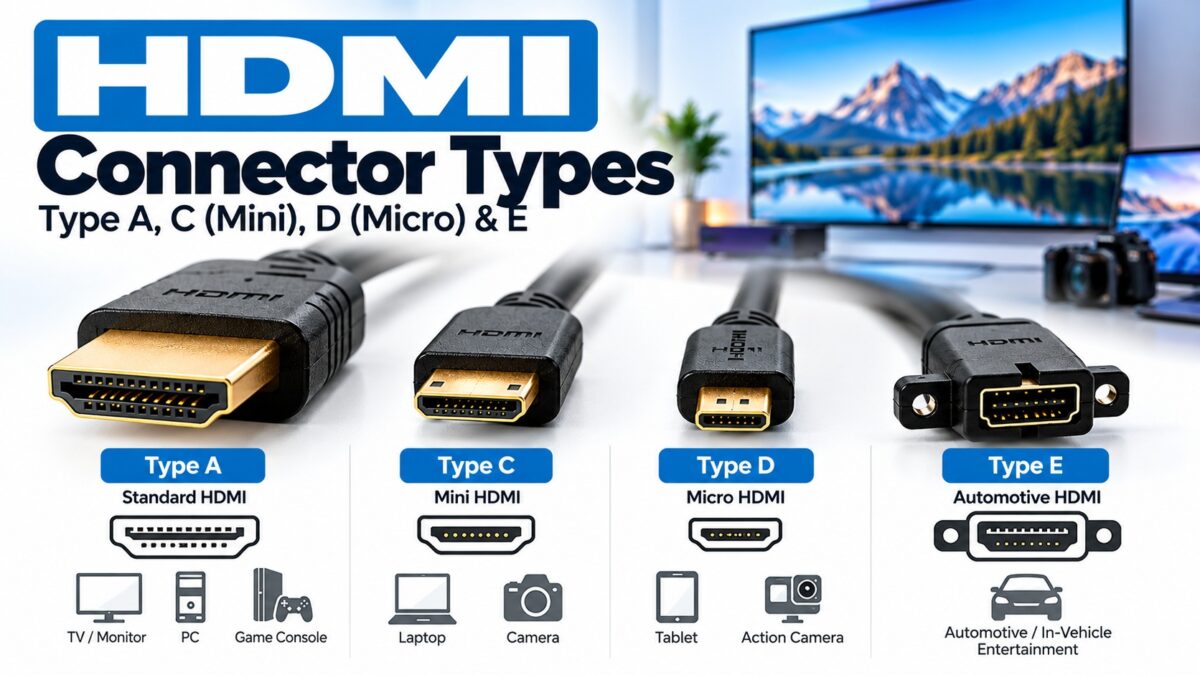
HDMI Connectors Type
HDMI has five connector types, A to E, but you will only meet three in everyday life: Type A (standard), Type C (Mini) and Type D (Micro). Type A is the full-size plug on TVs, monitors, consoles and players. Types C and D are smaller plugs for cameras and portable devices. Type E is an automotive connector with a locking mechanism, and Type B, a dual-link design, has never been used in products. The connector only decides the plug’s shape and size, not which HDMI version or resolution a device supports.
The five HDMI connector types at a glance
| Type | Common name | Plug size (width × height) | Pins | Defined in | Typical use |
| A | Standard | 13.9 × 4.45 mm | 19 | HDMI 1.0 | TVs, monitors, consoles, players, receivers |
| B | Dual-link | 21.2 × 4.45 mm | 29 | HDMI 1.0 | Never used in products |
| C | Mini | 10.42 × 2.42 mm | 19 | HDMI 1.3 | Cameras and some portable devices |
| D | Micro | 5.83 × 2.20 mm | 19 | HDMI 1.4 | Phones, tablets, compact cameras |
| E | Automotive | Not listed here | Not listed here | HDMI 1.4 | Vehicles |
Sizes are the outside dimensions of the plug as listed in the specification-derived references below. Some sources give Type D as about 6.4 × 2.8 mm, so check the figure against the HDMI specification before you quote it.
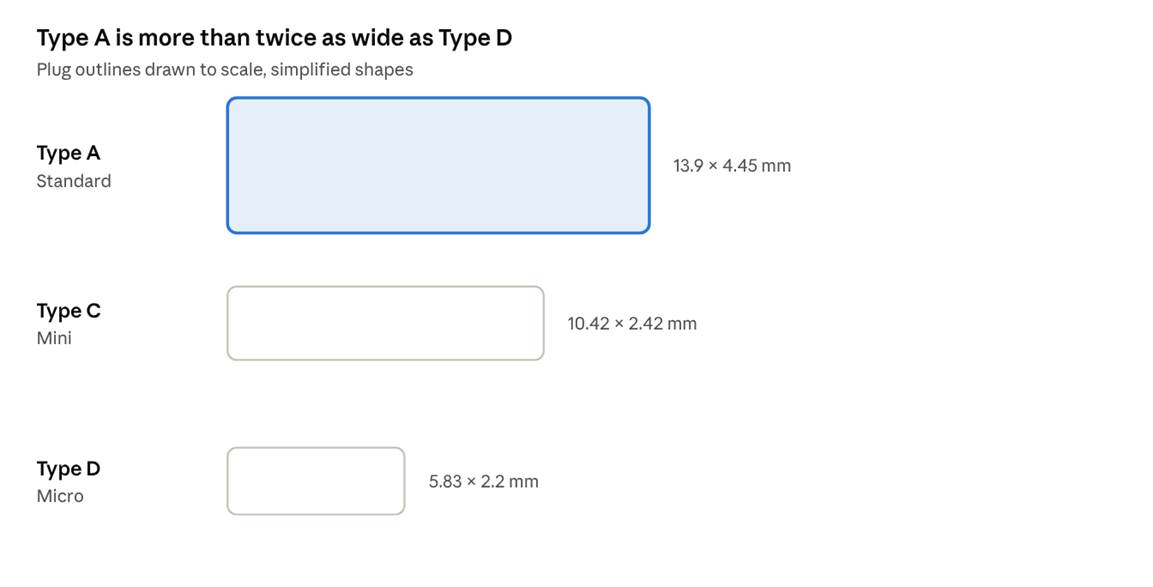
HDMI plug sizes A, C and D · drawn to scale
The three plugs you will actually meet, drawn at the same scale.
Type A: the standard connector
Type A is the connector you know. It has 19 pins and carries every HDMI version, from the original 1.0 up to the latest. It is electrically compatible with single-link DVI-D, which is why simple HDMI-to-DVI cables work for video.
If a device just says “HDMI” and has a full-size port, it is Type A. This is the connector on the cable between a games console and a TV.
Type B: the dual-link connector that never shipped
Type B is larger (21.2 × 4.45 mm) and has 29 pins, carrying six differential pairs instead of three. It was defined in HDMI 1.0 for very high-resolution displays and is electrically compatible with dual-link DVI-D. In practice it has not been used in any products, so you can ignore it unless you are reading the specification.
Type C: Mini HDMI
Type C was defined in HDMI 1.3 for portable devices. It is smaller than Type A but keeps the same 19 pins. The pin assignments are not identical to Type A, though: some signals sit on different pins, so a Mini connector can’t simply be re-shaped into a standard one. A cable with a Type A plug on one end and a Type C plug on the other handles the change.
You will find Mini HDMI on some cameras, camcorders and tablets, and on a few small single-board computers.
Type D: Micro HDMI
Type D arrived with HDMI 1.4 and is the smallest connector, similar in size to a micro-USB plug. It still has 19 pins, with an assignment that differs from both Type A and Type C. It is used on phones, tablets and compact cameras where space is tight. Despite the tiny plug, it supports the same HDMI features as the larger ones, limited only by what the device’s hardware implements.
Type E: automotive HDMI
Type E was also defined in HDMI 1.4, as part of the Automotive Connection System. It has a locking mechanism that stops it working loose from vibration and shock, and it is built to resist dust. You will find it in car entertainment systems rather than in any home equipment.
How to connect devices with different connector types
You cannot plug a Mini or Micro connector into a full-size port directly, so you need a cable or adapter with the right plug on each end. Match the two ports first:
- Look at the port on the source device (camera, laptop, console).
- Look at the port on the display (TV, monitor, projector), which is almost always Type A.
- Choose a cable with the matching plug at each end, for example Type A to Type C, or Type A to Type D.
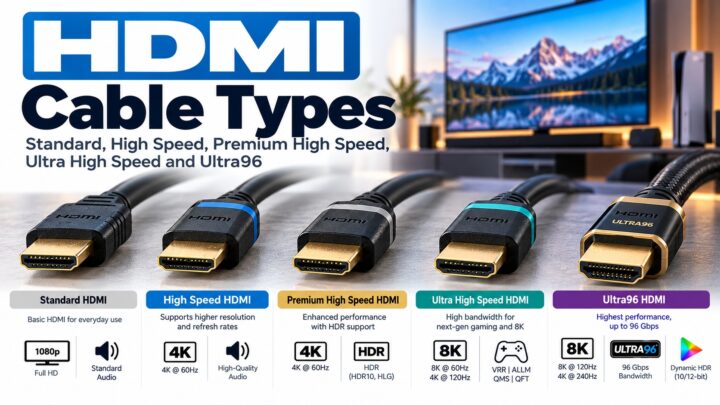
- Check that the cable is certified for the speed you need (see our HDMI cable types guide).
Many modern laptops and phones use a USB-C port instead of an HDMI port, with an adapter or cable to reach HDMI. That is a different connection, covered in our USB-C to HDMI guide.
Common questions
What is the most common HDMI connector?
Type A, the standard full-size connector.
Does Mini or Micro HDMI give a worse picture?
No. The connector size doesn’t set the resolution. What matters is the HDMI version the device supports and the cable’s rating.
Is Micro HDMI the same as micro USB?
No. They are similar in size and look alike, but they are different connectors and are not interchangeable.
How many pins does an HDMI connector have?
Types A, C and D each have 19 pins. Type B has 29. The pin layouts of C and D differ from Type A’s.
Can I use a Type A cable with a DVI port?
For video, yes, with the right cable or adapter, because Type A is electrically compatible with single-link DVI-D. DVI does not carry audio.
Keep learning
- What Is HDMI? A Beginner’s Guide (CON-HDMI-001)
- HDMI Cable Types: Standard, High Speed, Premium High Speed and Ultra High Speed (CON-HDMI-003)
- HDMI Pinout: All 19 Pins Explained (CON-HDMI-007)
- USB-C to HDMI and DisplayPort Adapters Explained (CON-USB-005)