What Are VRR, ALLM and QMS in HDMI 2.1?
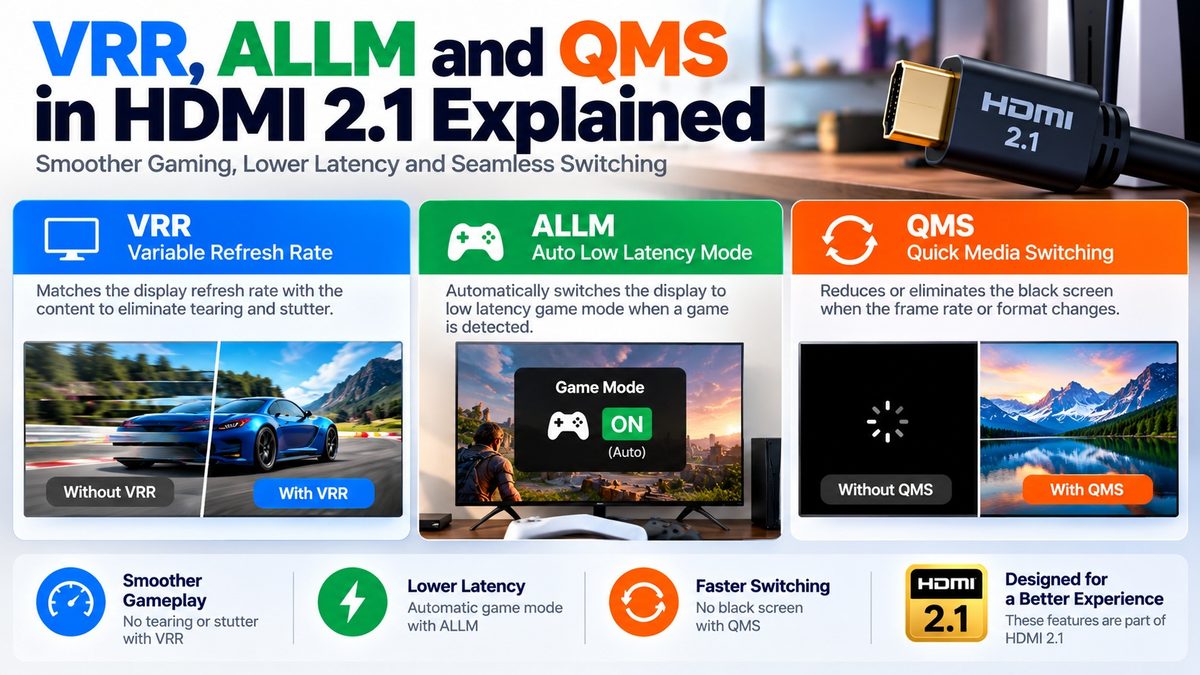
VRR, ALLM and QMS are HDMI 2.1 features that make the connection between a source and a display smoother: VRR matches the display’s refresh rate to the game’s frame rate, ALLM switches the TV to its low-latency game mode automatically, and QMS removes the blank screen when the video’s frame rate changes. A fourth feature, QFT, sends each frame faster to cut latency. The first two are aimed at gaming and the other two at movies and general viewing. They are optional parts of HDMI 2.1, so a port can carry the HDMI 2.1 label without supporting every one of them.
The four features at a glance
| Feature | Full name | What it fixes | Mainly for |
| VRR | Variable Refresh Rate | Tearing, stutter and lag when frame rates vary | Gaming |
| ALLM | Auto Low Latency Mode | Having to switch to game mode by hand | Gaming, VR |
| QMS | Quick Media Switching | The blank screen when the frame rate changes | Movies and video |
| QFT | Quick Frame Transport | Delay in sending each frame | Gaming, VR |
What is VRR (Variable Refresh Rate)?
A normal display refreshes at a fixed rate, such as 60 or 120 times a second. A game, though, produces frames at an uneven pace. When the two don’t line up, you see tearing (a picture split across two frames) or stutter.
VRR lets the display change its refresh rate to follow the source’s frame rate, down to a frame-by-frame basis. HDMI.org says VRR reduces or eliminates lag, stutter and frame tearing for smoother, more detailed gameplay.
HDMI VRR vs. FreeSync and G-Sync
VRR on HDMI exists in more than one form. The HDMI Forum’s own VRR is part of HDMI 2.1 and works only with HDMI 2.1 sources. Adaptive-sync systems such as AMD FreeSync were adapted to HDMI before HDMI 2.1 and are separate implementations. Some devices support both, and a TV that supports one does not necessarily support the other. The HDMI Forum VRR feature is optional, and not all HDMI 2.1 TVs support it, so check the specifications for the exact VRR types your TV and your console or graphics card support.
What is ALLM (Auto Low Latency Mode)?
Most TVs have a “Game” mode that turns off picture processing to cut input lag. ALLM lets a console, PC or other source tell the TV to switch to that mode automatically when a game starts, and to switch back when you stop playing. HDMI.org describes it as setting the ideal latency automatically. Movies and video can tolerate a little latency without affecting the experience, but games and real-time VR can’t, which is why ALLM switches between the two.
What is QMS (Quick Media Switching)?
If you’ve watched a film on a streaming box, you’ve seen the black screen before the movie starts. Streaming menus often run at 60 frames per second while films play at 24, and the TV goes blank for a moment while the link changes mode.
QMS removes that gap by changing the refresh rate on the fly. It uses the VRR mechanism, so it works smoothly as long as the resolution stays the same and only the frame rate changes. It does not remove every blank screen: one report notes that a change of HDR format can still cause one.
What is QFT (Quick Frame Transport)?
QFT changes how each frame travels from the source to the display. The frames are sent at a higher rate, even though the source’s frame rate stays the same, which reduces latency. HDMI.org says it reduces latency for smoother, lag-free gaming and real-time interactive virtual reality.
Which feature fixes which problem?
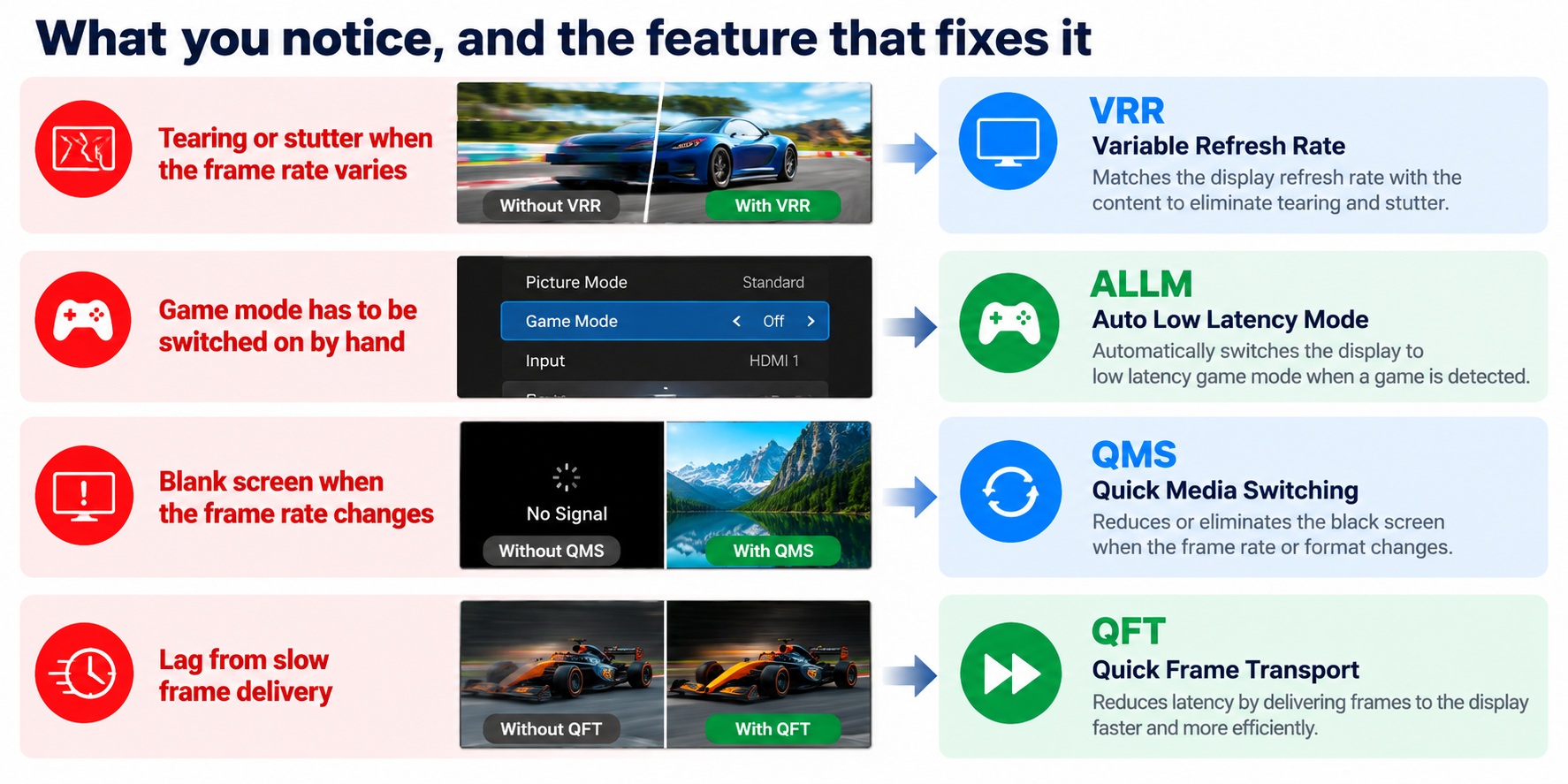
HDMI 2.1 features by the problem each fixes
Each feature targets a different symptom, so a TV can support some and not others.
What do you need to use them?
- A source and a display that both support the feature. Each feature has to be supported at both ends of the link.
- The feature turned on. Some TVs and consoles have switches for VRR or the game mode, and names vary by brand.
- A display that supports the specific feature. Check each one in the specifications. A port labeled HDMI 2.1 does not guarantee all of them.
- The bandwidth for the video mode you want. A game at 4K and 120 Hz needs an HDMI 2.1 connection and an Ultra High Speed cable, but the features themselves are signaling and don’t need the full 48 Gbps.
The HDMI Forum has also said that some HDMI 2.1 features, such as VRR, eARC and QMS, can be added to certain panels with a firmware update if their HDMI design is flexible, but it is up to the manufacturer. Some TVs with HDMI 2.0 inputs offer certain HDMI 2.1 features, which one manufacturer calls partial compliance.
Common questions
What does VRR stand for?
Variable Refresh Rate.
What does ALLM stand for?
Auto Low Latency Mode.
What does QMS stand for?
Quick Media Switching.
Do I need HDMI 2.1 for VRR?
For the HDMI Forum’s VRR, yes. FreeSync over HDMI predates it and works on some earlier connections.
Is ALLM the same as game mode?
ALLM is the automatic way of turning game mode on and off. The game mode itself is the TV’s low-latency picture setting.
Does QMS remove all black screens?
No. It removes the blank screen caused by a change of frame rate, but a change in HDR format can still cause one.
Do these features need a special cable?
The features don’t, but the video mode you use them with might. 4K at 120 Hz needs an Ultra High Speed cable.
Do all HDMI 2.1 TVs support VRR, ALLM and QMS?
No. They are optional, so check each TV’s specifications.
1 comment