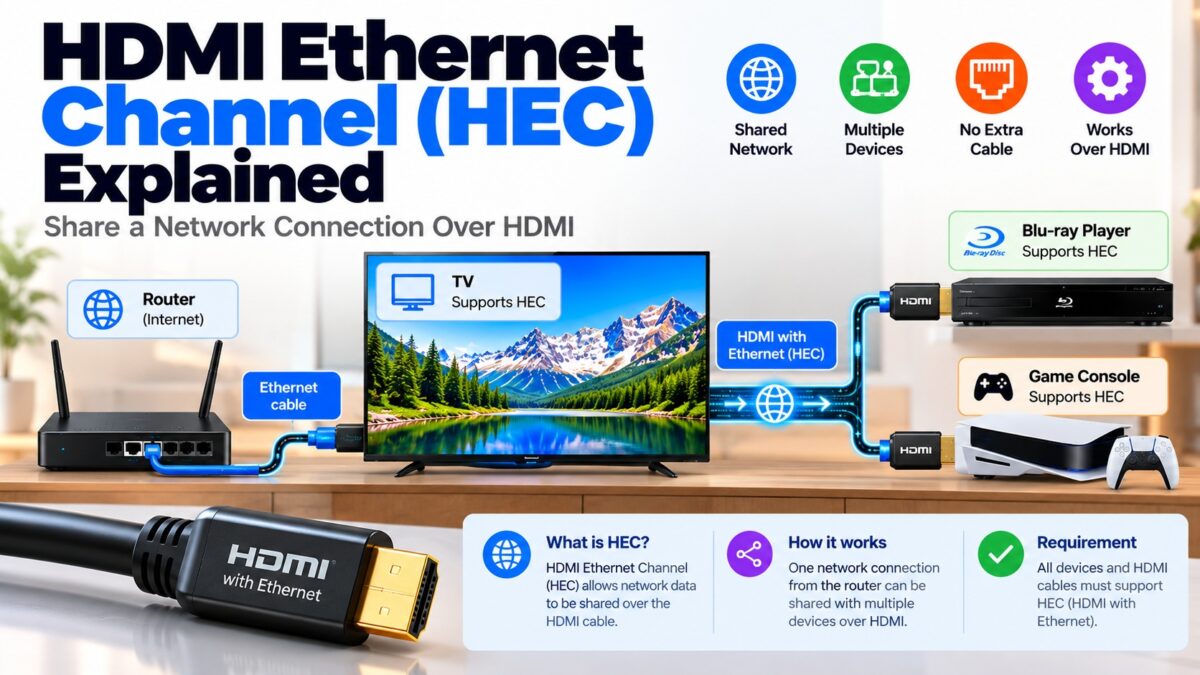
What Is the HDMI Ethernet Channel (HEC)?
The HDMI Ethernet Channel (HEC) is a feature of HDMI 1.4 and later that carries a 100 Mbps two-way network connection inside the HDMI cable, so two connected devices can share one internet connection without a separate Ethernet cable. If a TV is wired to your router, for example, a Blu-ray player or console connected to the TV by HDMI could get online through the same HDMI cable. In practice, almost no consumer device uses it: both ends have to support HEC, and modern TVs, consoles and players connect through Wi-Fi or their own Ethernet ports instead. A cable sold as “HDMI with Ethernet” has the wiring for HEC but works like a normal cable if your devices don’t use it.
How does HDMI Ethernet Channel work?
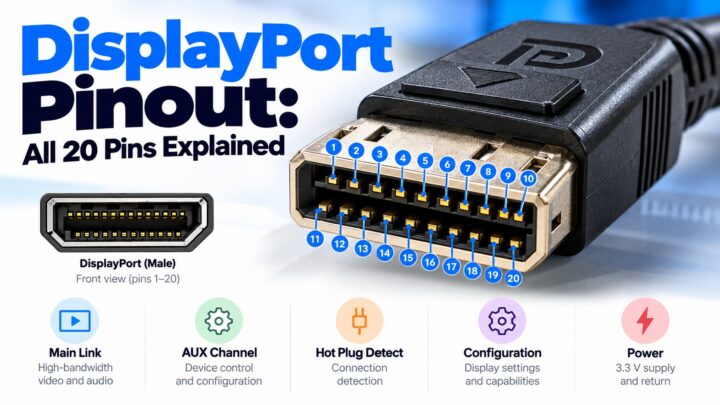
HEC was introduced with HDMI 1.4 in 2009. It uses one pair of conductors in the HDMI cable that were previously reserved and unused. That gives it a data path that is independent of the video and audio signals, with a speed of up to 100 Mbps in both directions. Our pinout guide shows the pins involved (14 and 19, with the ground on pin 17).
The idea was to make the TV a hub. Instead of running a network cable to every device in a home theater, you would connect one device to your router and share that connection with the others through the HDMI cables that were already there.
For HEC to work, three things must be true:
- Both devices at the ends of the cable support HEC. If one or both don’t, the cable acts like a standard HDMI cable and carries only media signals.
- One of the devices is already connected to the internet, by Ethernet or another route.
- The cable is wired for HEC, meaning it is sold as “with Ethernet”.
How HEC shares a network connection
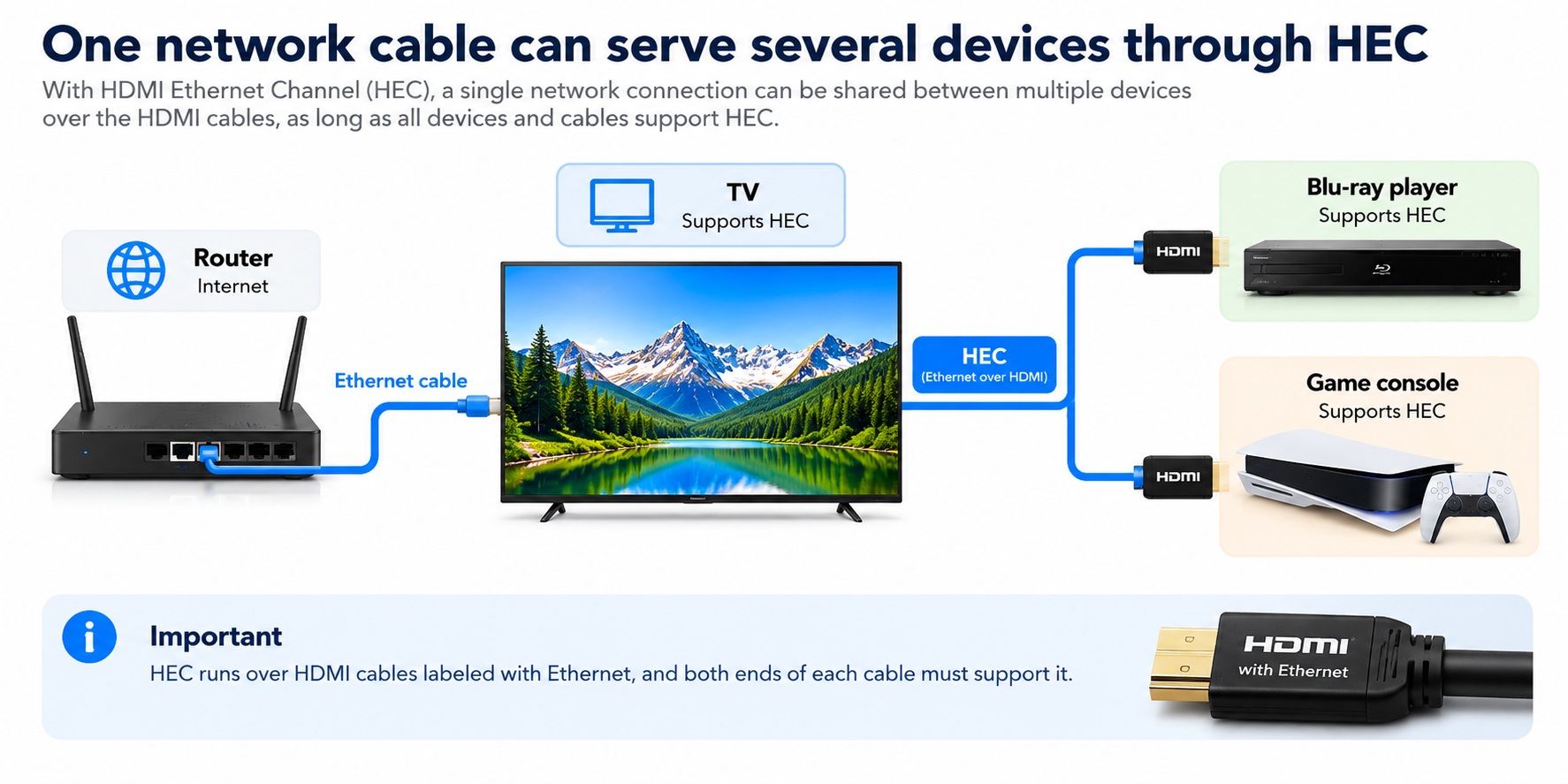
HDMI Ethernet Channel · sharing one network connection
The TV is wired to the router and passes the connection on to the devices behind it.
Why is HEC almost never used?
The feature sounded promising, but several things got in its way:
- Wi-Fi. Most smart TVs, streaming boxes, consoles and Blu-ray players connect by Wi-Fi, so they don’t need a wired link.
- Their own Ethernet ports. Devices that want a wired connection already have an Ethernet port.
- Little hardware support. Manufacturers rarely enabled HEC. Sources describe almost no consumer products that implement it, and the best-known uses were in some professional and sound system products.
- The 100 Mbps limit. It is enough for basic streaming, but not for fast local network transfers.
- It needs another device to be online. The channel shares a connection, so something must already provide one.
The result is that, in nearly every home, an HDMI cable with Ethernet behaves exactly like a standard High Speed cable.
What does “HDMI with Ethernet” mean on a cable?
Cables are sold in names such as “Standard HDMI Cable with Ethernet” and “High Speed HDMI Cable with Ethernet”. The “with Ethernet” part means the cable has the wiring for HEC. It does not mean the cable will give your TV a network connection, because both devices must support the feature.
Other things to know:
- Manufacturers often build Ethernet support into higher-grade cables, so the label works as a quality marker even though the channel itself goes unused.
- Don’t pay extra for it. A cable without “with Ethernet” works just as well for video, audio, HDR and ARC.
- If one of your devices ever does support HEC, you will need a cable that is labeled “with Ethernet”.
HEC vs. ARC vs. eARC
These three features are often confused, because they are linked through the same pins.
| Feature | What it carries | Speed | Introduced |
| HEC | Network data (Ethernet) between two devices | Up to 100 Mbps | HDMI 1.4 |
| ARC | Audio from the TV to a soundbar or receiver | About 1 Mbps | HDMI 1.4 |
| eARC | Audio from the TV to a soundbar or receiver, including lossless formats | Up to 37 Mbps | HDMI 2.1 |
HEC and ARC share the same pins, and eARC reuses the same pair of pins for its dedicated audio link. Our reading is that a link using ARC or eARC can’t use that pair for Ethernet at the same time, which is another reason HEC is rarely used.
Do you need HDMI with Ethernet?
Almost certainly not. Check these before buying:
- Do your devices support HEC? If you can’t find HEC in their specifications, they don’t.
- Do you need a wired network connection for a device? If so, use that device’s own Ethernet port, or a network cable to your router.
- Are you buying a cable for ARC or eARC? Neither needs HEC. See our HDMI cable types guide for what to look for.
Common questions
What does HEC stand for?
HDMI Ethernet Channel.
How fast is the HDMI Ethernet Channel?
Up to 100 Mbps, in both directions.
Does an HDMI cable with Ethernet give my TV internet?
No. It only carries a network connection between two devices that both support HEC, and one of them must already be online. In practice, it doesn’t.
Do I need an HDMI Ethernet cable for 4K or ARC?
No. Neither 4K video nor ARC depends on the Ethernet channel.
Is HDMI with Ethernet better than normal HDMI?
For most people it makes no difference. The feature is unused, and the label mostly marks a more fully wired cable.
Which devices support HEC?
Sources describe almost none in the consumer market. Check each product’s specifications to be sure.